When SQL Server performance sucks, "Just reboot it!" is common phrase from one of my colleagues. And surprisingly, it often proves him right. However, the improvement is usually temporary. Restarting SQL Server clears the buffer cache, execution plan cache, and other diagnostic data, which can hide the real root cause. In this article, we will explore why rebooting appears to improve performance and why you should avoid this bad habit.
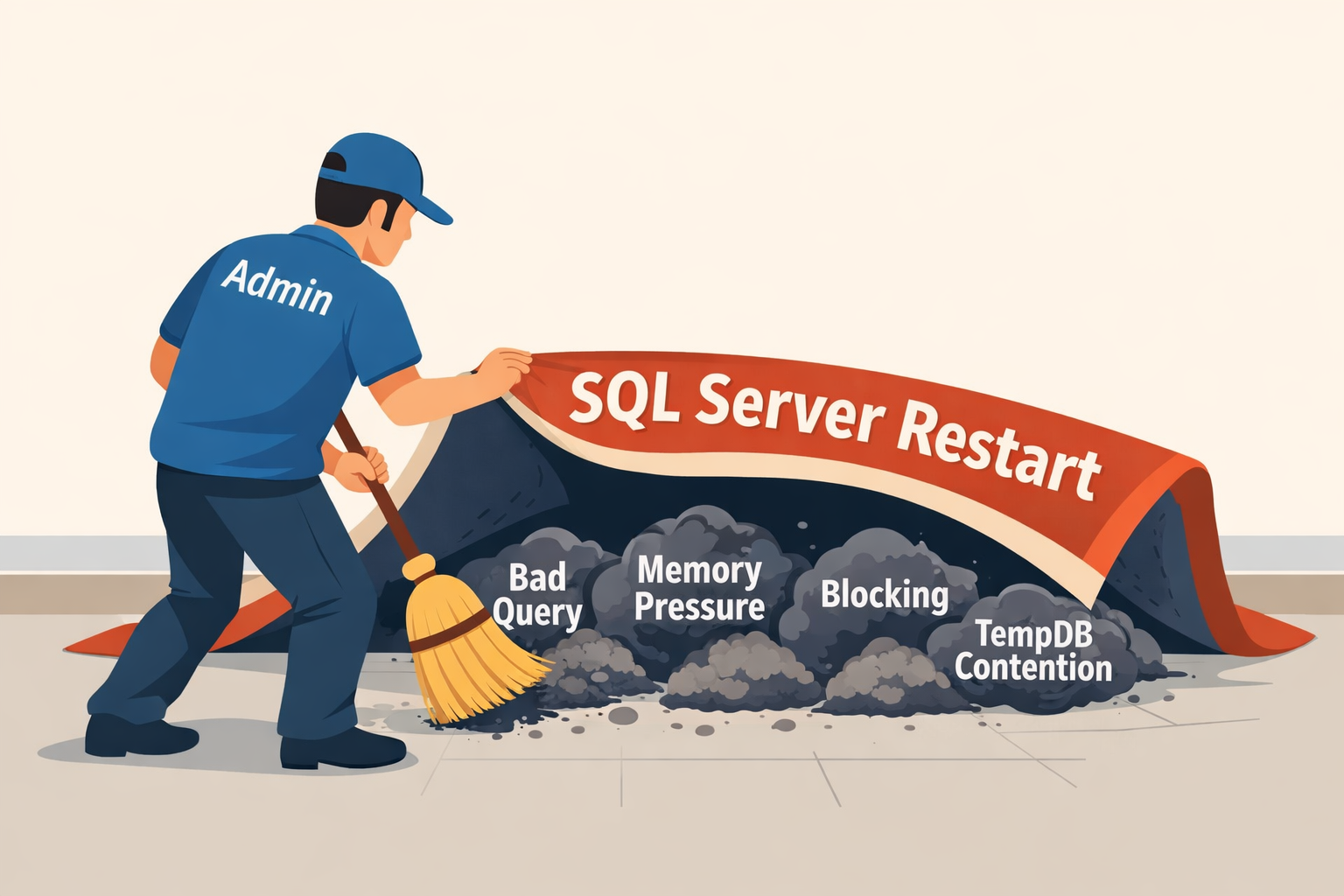
Figure-1: A restart hides the SQL Server issue
Why It Seems Performance Improvement After a Restart
Memory Pressure Temporarily Disappears
After a restart, SQL Server starts with a completely clean memory state. All cached data pages, execution plans, and memory grants are removed immediately. This temporarily reduces memory pressure, but as workload increases again, the same memory bottlenecks appears again.
Bad Execution Plans are Removed
Inefficient or outdated execution plans negatively affect query performance. Restarting SQL Server clears the plan cache, forcing queries to generate new execution plans. This may temporarily improve performance if the new plans are better, but the underlying cause of poor plan selection (such as parameter sniffing or outdated statistics) still remains.
Blocking Sessions Disappear
Long-running or blocked sessions are terminated during a restart. So, queries can proceed normally and it seems that issues are resolved. However, the problem will eventually occur again when the same conditions (like schedule process, sudden increase of users or application logic) occur.
TempDB Contention Resets
Restarting SQL Server recreates TempDB and removes all temporary objects, metadata, and allocation structures. This clears any existing TempDB contention such as allocation bottlenecks or excessive temporary object usage. However, if the workload continues to generate heavy TempDB activity, the contention will return over time.
What Happens after SQL Server Restarts
- High disk IO - Buffer Pool (Data Cache) is cleared. So, all data must be read again from disk when queries execute. As a result, the system starts slowly with high disk IO, until frequently accessed data is cached again.
- High CPU - Execution Plan Cache is flushed, forcing SQL Server to compile new execution plans the next time queries run. It increases CPU usage due to recompilations.
- Wait statistics are reset, which removes valuable historical information that could help you to diagnose performance problems.
- DMVs lose historical data that provide useful runtime information about query performance, resource usage, and server activity. Many DMV values accumulate data since the last SQL Server starts. Restarting the instance clears this information, making it harder to analyze past performance trends.
- SQL Server recreates TempDB during its startup and allocates spaces according to the TempDB settings. This operations takes additional CPU cycle and performance hampers during this time.
- Most importantly, restarting only hides the symptoms rather than fixing the root cause. Issues such as inefficient queries, poor indexing, memory pressure, or disk bottlenecks remain unresolved. They will pop up again.
When You May Consider Reboot
- After patch installation, it may requires restarting the SQL Server to take effect the update.
- Some configuration changes may need restart.
- In case of crash, restart to run SQL Server service crash recovery.
Better Approaches
Instead of avoiding the issue, take the challenges.
Final Words
Restarting SQL Server may look like a quick fix. But for DBAs, it should be the last option, not the first. Instead of rebooting the server, focus on identifying the real root cause — whether it is query design, indexing, memory pressure, or IO bottlenecks. Because good DBAs solve problems. They do not just reset them.
References
Going Further
If SQL Server is your thing and you enjoy learning real-world tips, tricks, and performance hacks—you are going to love my training sessions too!
Need results fast? I am also available for 1-on-1 consultancy to help you troubleshoot and fix your database performance issues.
Let’s make your SQL Server to take your business Challenge!
For any queries, mail to mamehedi.hasan[at]gmail.com.